

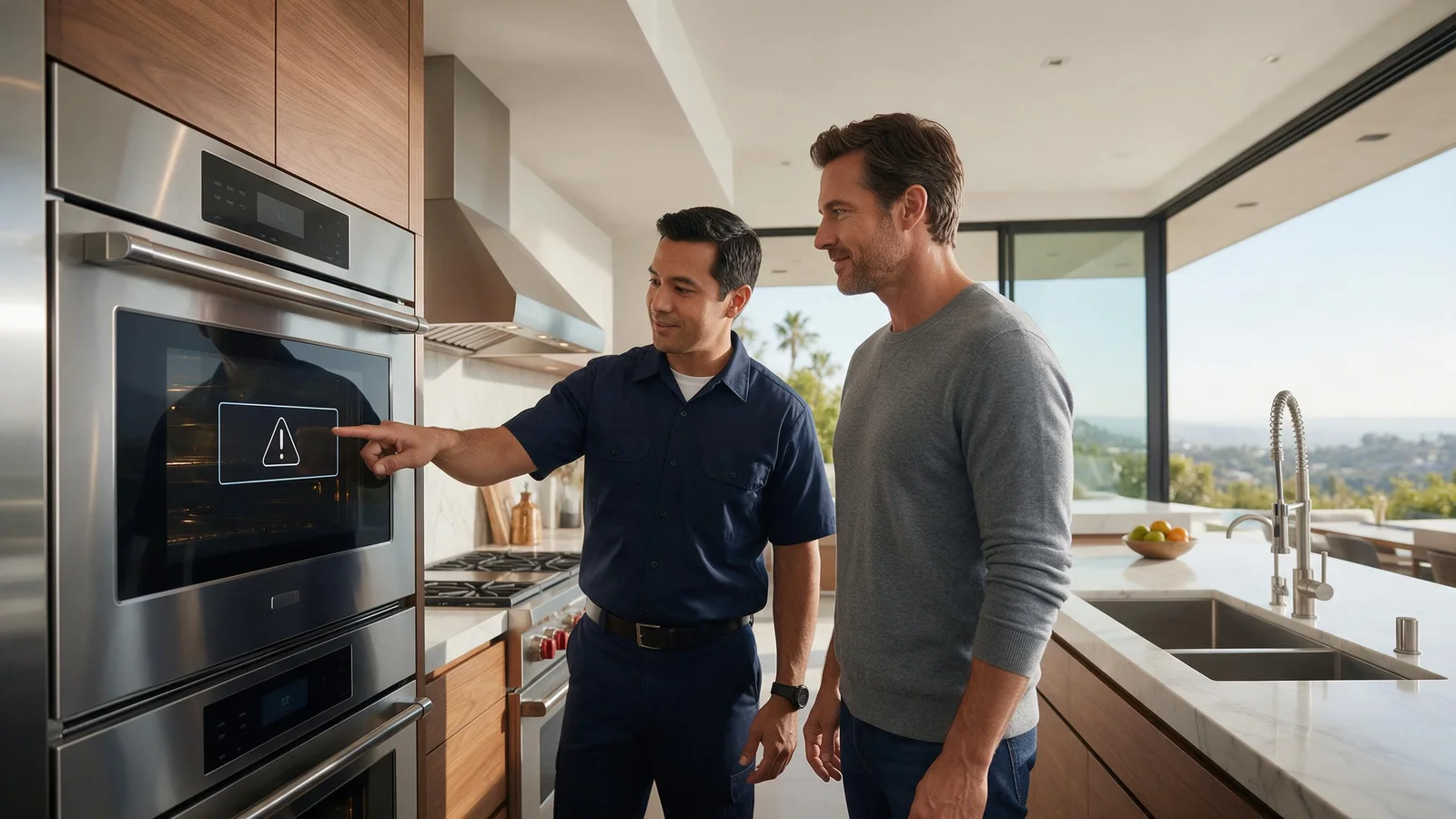
Specialized DCS Appliance Repair in Los Angeles and Orange County
A DCS oven can have lights and working controls but still fail to heat because the heating system, temperature sensing, power supply, door inputs, or control electronics are not completing the heat request.
When the DCS oven lights and controls work but it stays cold, those features run on low power and prove little about the heating circuit. Confirm the mode and temperature, check the breaker once, and look for a code and for Demo Mode. If nothing changes, stop and book a diagnosis.
An oven that seems to switch on yet never warms up can be puzzling, because the display, lights or glowing knobs suggest power is fine. Those parts can keep working even when the high-power heating circuit is not.
While the oven still responds, hold off on parts replacement. Work through the easy conditions you can verify safely, and let the remaining symptoms say whether professional testing is likely to be necessary.
A heating element or igniter issue, depending on the oven design.
A thermal limiter or protective device that has opened.
An oven temperature sensor problem.
A missing leg of electrical supply on electric/dual-fuel models.
A door, self-clean, or lock input preventing normal heat operation.
A power-board, relay, switch, or wiring issue.
| Symptom | What it can point to | What you can safely check |
|---|---|---|
| Lights and display work, oven cold | The heating circuit is not energizing | Check breaker once and look for a code |
| Bake cold but broil works | A bake-specific component | Note which modes heat |
| Oven cold on the oven only, burners work | An oven circuit or protective device | Record what still works |
| Display responds but nothing heats | Demo Mode | Check your manual for Demo Mode |
| Breaker trips or oven smells hot | An electrical problem | Stop using it and arrange service |
Confirm the cooking mode and temperature on the display. If one mode heats and another stays cold, tell the technician which one fails.
Confirm the correct cooking mode and temperature were selected. Confirm the mode and temperature on the display before anything else. On a dual-fuel or electric range, a bake mode that heats while broil stays cold points to a different circuit than an oven where no mode heats at all, so note which modes you tried.
Check whether broil, bake, and convection behave differently.
Look for an F-code or other display message.
Look at the household breaker one time, and if it trips, do not keep resetting it.
If it is a range, notice whether the surface burners work normally while the oven stays cold.
Keep out of panels that have power behind them, leave safety switches alone, do not change gas components, and stop using any appliance that leaks, overheats, keeps tripping a breaker, or leaves a gas smell hanging around.
A control light draws far less power than an oven element does. On certain electric or dual-fuel setups, part of the appliance can look normal while the heating circuit lacks its required supply or a high-current part has failed.
For an oven that does not heat while controls work, the guide for one DCS professional range lists the circuit breaker, the gas supply and Demo Mode as checks, and says to make sure the door is closed properly.
The same guide says to wait for the red heating bar to clear and that the oven heats initially above the set temperature when starting cold. An oven in the middle of normal preheat is not the same as one that never heats.
When the oven’s control seems frozen or the cold oven appeared after a brief outage, cycle its power a single time. The user guide must permit it, and it should go through the normal disconnect, power button or breaker.
A restart does not mend a lasting wiring, sensor or electronic fault, and it leaves mechanical, gas, water, heating and refrigeration faults as they were. If the oven goes cold again once it is working normally, repeated power cycling is more likely to slow diagnosis than to solve it.
Stop using the oven and arrange service if it gives off a hot electrical smell, trips the breaker, shows damaged wiring, or still will not heat after the basic checks.
Limit what you do at home to checks an owner can reach: cleaning, settings, loading, vents, hoses in plain view, cookware and similar tasks meant for users. Electrical testing inside, gas-pressure work, sealed refrigeration work and repairs to powered parts need trained people and the right equipment.
If the basic checks leave the symptom unchanged, a technician can test the oven’s relevant components while it operates instead of replacing parts by guessing. Have the complete DCS model number, serial number, any code or light pattern displayed, and a short description of when the problem occurs ready when you book. These details help identify the right product generation and diagnostic procedure.
Professional diagnosis is most useful for a problem that comes and goes. Service information for the exact model, measurements taken at components and stored diagnostic data can show what a visual check never will.
DCS Error Codes
DCS Oven Repair
DCS Appliance Repair
DCS Model Number Guide
Related symptom and maintenance articles for this appliance family
The control may be powered while the heating element/ignition system, temperature sensing, power supply, protective devices, relays, or wiring are not completing the heat request.
On supported newer wall-oven platforms, those suffixes are associated with a cavity not heating as expected. Match the full code to the model.
On applicable models, a protective thermal device can interrupt the heating circuit. It should be diagnosed along with the reason it opened.
Share a few details and we’ll confirm an appointment. Prefer to talk? Call us and we’ll help right away.
Fields marked with * are required.