

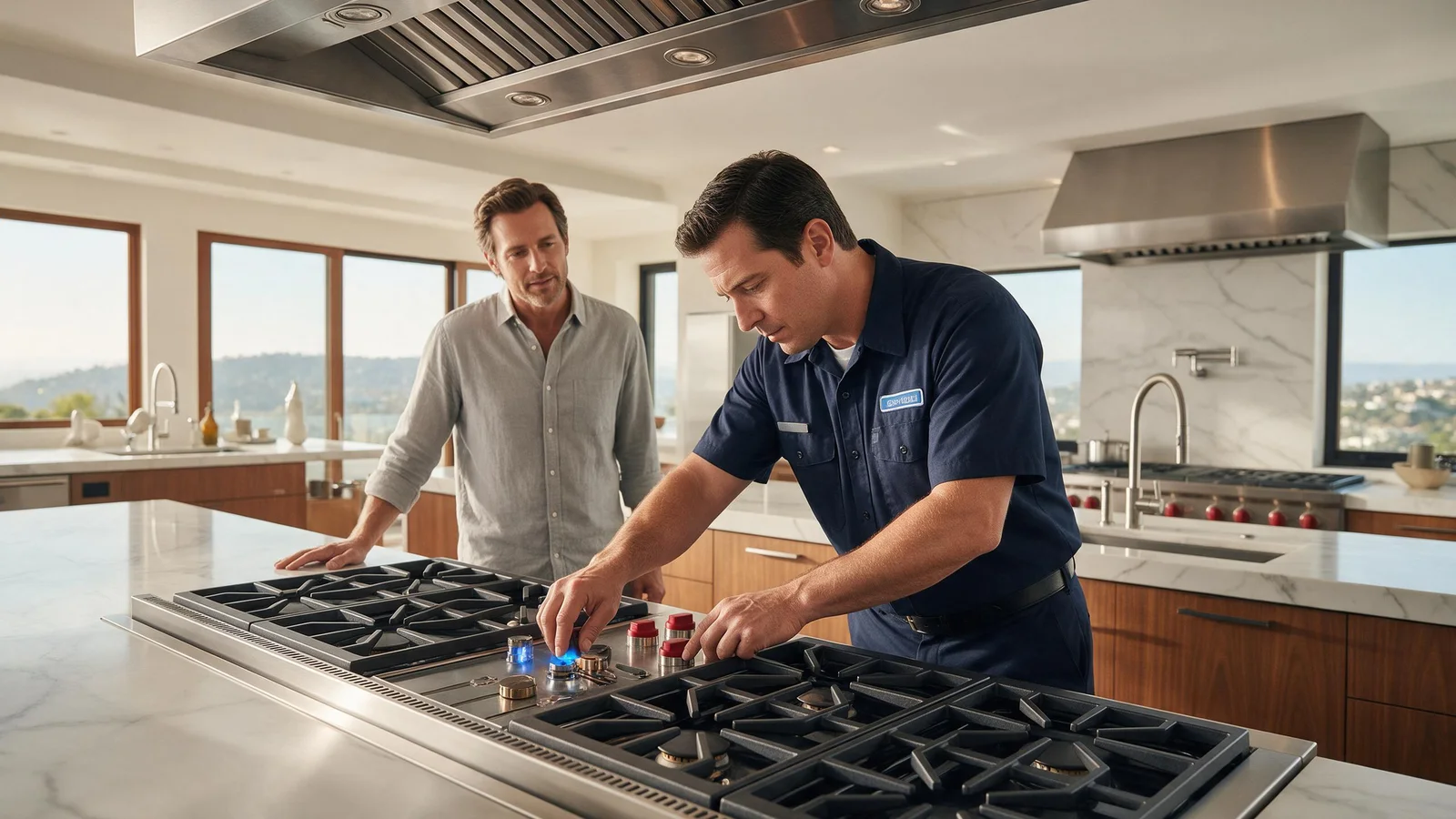
Specialized DCS Appliance Repair in Los Angeles and Orange County
A DCS burner with unusually high, weak, or uneven flame can be affected by burner cleanliness, assembly, gas pressure, or an incorrect gas setup.
A burner flame that is too high or too low points first to that burner. Dirty flame spreader notches, or parts that are wet or assembled wrongly, change the flame, and if every burner changed together the gas type or setup is a better suspect. Flames that are very large, yellow or sooty mean stop using the burner and call for service.
Across its whole range, a sound gas flame stays steady and responds to the control. If just one burner changes suddenly, that burner is the likely place to look, whereas the same flame trouble on every burner can mean a supply or installation fault.
With the appliance still running, ordering parts is premature. Verify whatever can be verified safely at home, then let the symptoms that persist show whether a technician has to test it.
Blocked burner ports or a restricted orifice.
Burner components assembled incorrectly.
Gas pressure outside the expected range.
Incorrect natural-gas/LP configuration or conversion.
An improperly adjusted valve or regulator.
Debris in the burner inlet.
| Symptom | What it can point to | What you can safely check |
|---|---|---|
| One burner small or uneven | Clogged flame spreader notches, or parts wet or misassembled | Once cool, clear notches with a stiff nylon brush and reassemble dry |
| Every burner too large | Gas type or adjustment not matched to the range | Stop using the burners and contact service |
| Yellow or sooty flames | Incorrect gas type or adjustment | Turn the burner off and book service |
| Flame lifts or flickers off the burner | Misassembled parts or an unstable gas supply | Shut the burner off and re-seat the parts when cool |
| Problem began after installation or conversion | Setup rather than wear | Call the installer first |
Compare the problem burner with another one on the same appliance, and note whether the flame differs on one burner or on all of them.
Compare the problem burner with another burner on the same appliance.
Turn the appliance off and clean user-accessible burner parts. Clearing the flame spreader notches is a cleaning step, not a gas adjustment, so it stays within what an owner can do once the burner is cool.
Reinstall caps/rings in the correct position.
The pressure regulator and the internal gas valve are not for owners to adjust.
Get in touch with the installer if the trouble began right after installation or a gas conversion.
Keep panels that carry live current closed, keep safety switches working and keep your hands off gas components. Discontinue use if the appliance leaks, overheats, repeatedly trips a breaker or gives off a persistent gas odor.
One weak burner fits local dirt or an assembly error. When every burner changed together, gas pressure, regulator setup or a conversion deserves more attention, and your service request should say so.
The use-and-care guide for one DCS professional range says flames should be blue with no yellow tipping. It says that if flames are uneven, very large, yellow or sooty, the burners should not be used and service should be contacted, because the gas type or adjustment may be wrong.
That guide recommends clearing the flame spreader notches with a stiff nylon brush and keeping burner parts dry and correctly assembled. It lists wet or misassembled parts as a cause of irregular flames and ignition problems, so a flame that looks wrong right after cleaning is worth a second look at how the parts were put back.
A single restart can help if the electronics seem hung or the symptom began just after the power dipped. The normal disconnect, power button or breaker is the way to do it, and the user guide has to give its approval first.
The limit of a restart is that it cannot repair a persistent mechanical, gas, water, heating, cooling, sensor, wiring or electronic problem. When the same symptom keeps coming back after the appliance resumes normal operation, extra power cycling delays the answer.
Turn the burner off when flames lift off it, flicker unsteadily, make heavy soot or you smell unburned gas.
Anything you try yourself should be limited to cleaning, settings, loading, ventilation, visible hoses, cookware and similar owner-intended checks. Internal electrical testing, gas-pressure work, sealed refrigeration repair and powered mechanical repair need trained people with proper equipment.
If nothing changes after the basic checks, a technician can test the gas range or cooktop under operating conditions and avoid replacing parts on a hunch. Give the full DCS model and serial numbers when you book, add any code or light pattern on the display, and explain briefly when the problem occurs. Details like these point to the correct product generation and diagnostic procedure.
Bringing in a professional pays off most for a symptom that is not constant. Model-specific service information, measurements at the components and stored diagnostic information give a technician facts that a visual inspection cannot.
DCS Error Codes
DCS Gas Range / Cooktop Repair
DCS Appliance Repair
DCS Model Number Guide
Related symptom and maintenance articles for this appliance family
A local blockage, burner assembly, or valve condition is more likely when only one burner is affected.
A supply pressure, regulator, or gas-type setup issue becomes more likely when every burner is affected.
Gas pressure and regulator work should be handled by a qualified gas technician or installer.
Share a few details and we’ll confirm an appointment. Prefer to talk? Call us and we’ll help right away.
Fields marked with * are required.