

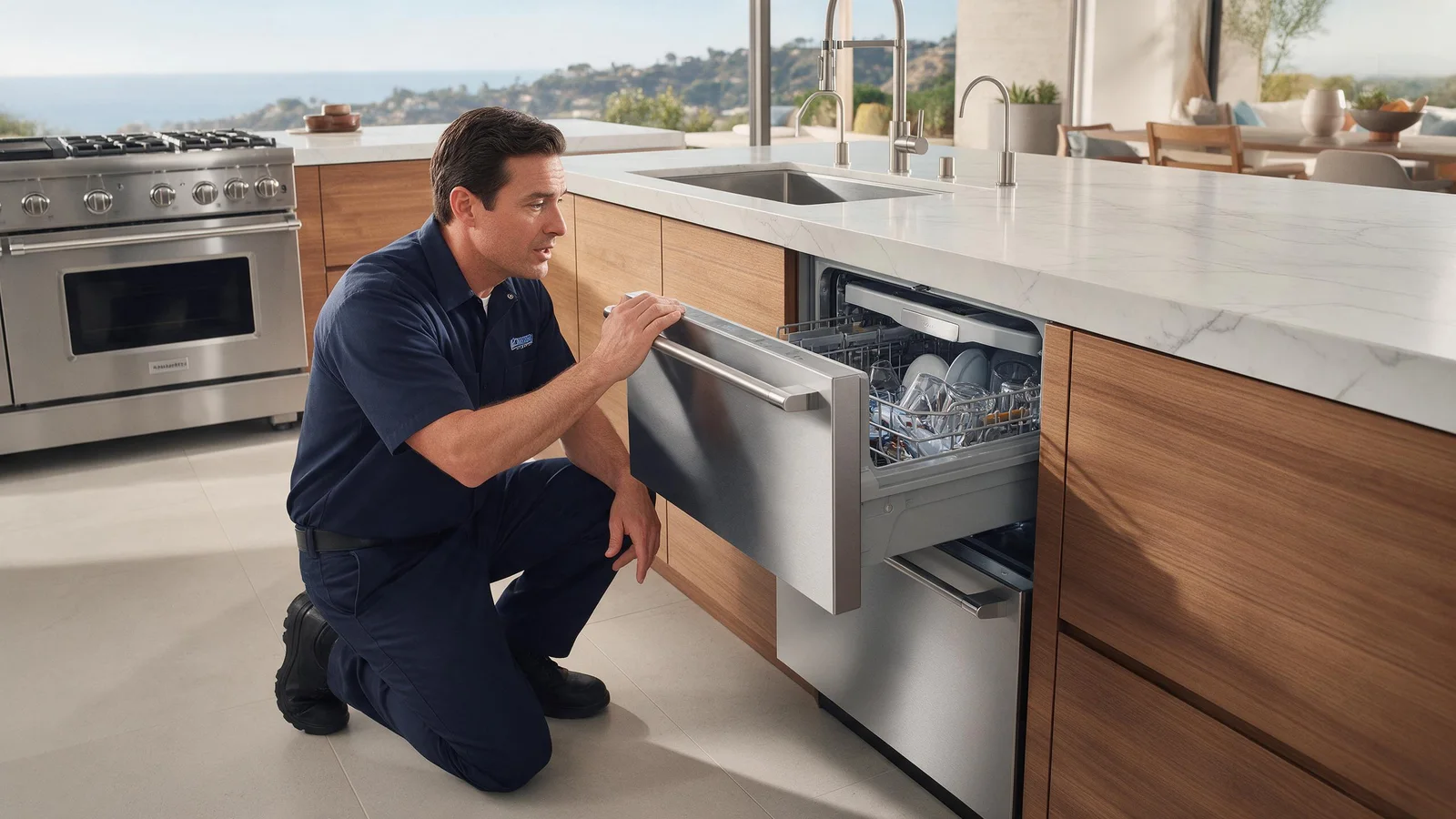
Specialized DCS Appliance Repair in Los Angeles and Orange County
Standing water in a DCS DishDrawer can come from a blocked filter, restricted drain hose, sink connection, pump obstruction, or a drain-system component issue.
Standing water in a DishDrawer most often comes down to a blocked filter, a kinked drain hose, or a blocked sink or disposer connection. Check those before assuming the pump has failed. If water remains after safe cleaning, stop using the drawer.
When a DCS DishDrawer ends a cycle with water still sitting in it, the drain pump isn’t automatically the culprit. Begin with blockages you can reach yourself: around the filter, in the drain route, or at the sink connection.
While the DishDrawer still runs, don’t rush to order a part. Work through the checks that are safe for an owner, then let any remaining symptoms show whether a technician needs to test it.
Food debris restricting the filter or drain path.
A kinked or blocked drain hose.
A blocked drain connection at the sink or disposer.
An object interfering with the drain pump or impeller.
A drain pump or motor issue.
A control fault, if the drain is not being told to run correctly.
| Symptom | What it can point to | What you can check |
|---|---|---|
| Water and food bits pooled at the base | A blocked filter plate or drain filter | Clean the filter parts the guide allows |
| Water returns from the sink side | A drain connection or disposer that is blocked | Inspect the sink connection and the visible hose route |
| Pump hums but water stays | A pump obstruction or pump fault | Stop and arrange service, do not reach into the pump |
| Flood or drain code on the panel | A drain or overflow condition reported by the control | Turn off power and arrange service |
With the drawer switched off, remove and rinse the filter plate and the other filter parts your user guide lists as owner-serviceable.
With the drawer switched off, clean the filter plate and the reachable filter parts as the owner’s guide describes.
Follow the drain hose where you can see it beneath the sink, and look for a kink.
Inspect the sink/disposer connection for an obvious blockage.
Look in the areas you can reach for a small object that doesn’t belong, and keep your hand out of a pump that has power.
If a message such as A3, U3, or an E-series code appears, write it down before resetting.
Never take off live panels, defeat safety switches, or modify gas parts. Stop using the appliance if it leaks, overheats, keeps tripping a breaker, or leaves a gas odor that doesn’t fade.
Certain dishwasher designs hold a little water in particular sump or filter spots. Water spread across the whole floor of the drawer, dirty water coming back after a cycle, or enough water to interfere with washing is a different situation and needs a closer look.
The guide for DishDrawer models says to clean the drain filter whenever food particles appear, while the filter plate normally needs only a damp wipe. It also says the drawer must run with the motor assembly, filter plate, drain filter and spray arms in place. A filter left out or put back crooked can change how water moves toward the pump.
In the leak section, the guide tells you to reconnect a drain hose that has become disconnected. A hose that has slipped off or been bent can behave like a blocked drain, so the visible run under the sink is worth following with your eyes.
One restart on purpose can help if the electronic control seems frozen or the problem began after a brief outage. Use the disconnect, power button, or breaker only in the way the owner’s guide allows.
Restarting does not fix a mechanical, gas, water, heating, cooling, sensor, wiring, or control problem that keeps coming back. If the symptom returns when normal operation resumes, repeated power cycling is more apt to delay the diagnosis than resolve it.
Stop using the drawer if water gets into the cabinetry, a flood or overflow message appears, the pump just hums, or the water stays after you’ve done the safe cleaning checks.
Restrict your own work to what owners are meant to do: cleaning, settings, loading, ventilation, visible hoses, and similar checks. Testing electrical parts, gas-pressure work, sealed-system repair, and powered mechanical repair need trained people and proper equipment.
On Classic-style DishDrawer displays the guide lists E1 as flood detected and E2 as a motor fault. These are examples from one family of models, not a universal list, so check your own manual. A flood code alongside standing water suggests the water has reached places it should not.
A pump that runs but water stays is different from a pump that does not run at all. Telling a technician which one you see makes diagnosis faster than the symptom alone.
No. The drain path has a pump and seals that are not meant for household chemical cleaner, so stay with the filter, the visible hose and the sink connection.
It is tempting to treat a slow drain like a sink clog. A dishwasher drain path has a pump and seals that are not meant for household chemical drain cleaner, so the safer path is the filter, the visible hose and the sink connection.
Should the basic checks not change a thing, a technician can test the DishDrawer’s relevant parts while it operates and avoid replacing them by guesswork. At booking, provide the whole DCS model number and serial number, any code or light pattern shown, and a short account of when the water stays behind. These details point the visit toward the correct product generation and diagnostic procedure.
A fault that only appears sometimes is the best reason for professional diagnosis. Technicians can use model-specific service information, component measurements, and stored diagnostic records, none of which is visible from a quick inspection.
DCS Error Codes
DCS DishDrawer Repair
DCS Appliance Repair
DCS Model Number Guide
Related symptom and maintenance articles for this appliance family
A filter restriction, drain hose, sink connection, pump obstruction, or drain-component problem can leave water behind.
Do not pour household chemical drain cleaner into the appliance. It can damage components and create a chemical exposure risk.
On supported model numbers ending in 9, A3 is associated with the drawer being unable to drain normally.
Share a few details and we’ll confirm an appointment. Prefer to talk? Call us and we’ll help right away.
Fields marked with * are required.