

Specialized DCS Appliance Repair in Los Angeles and Orange County
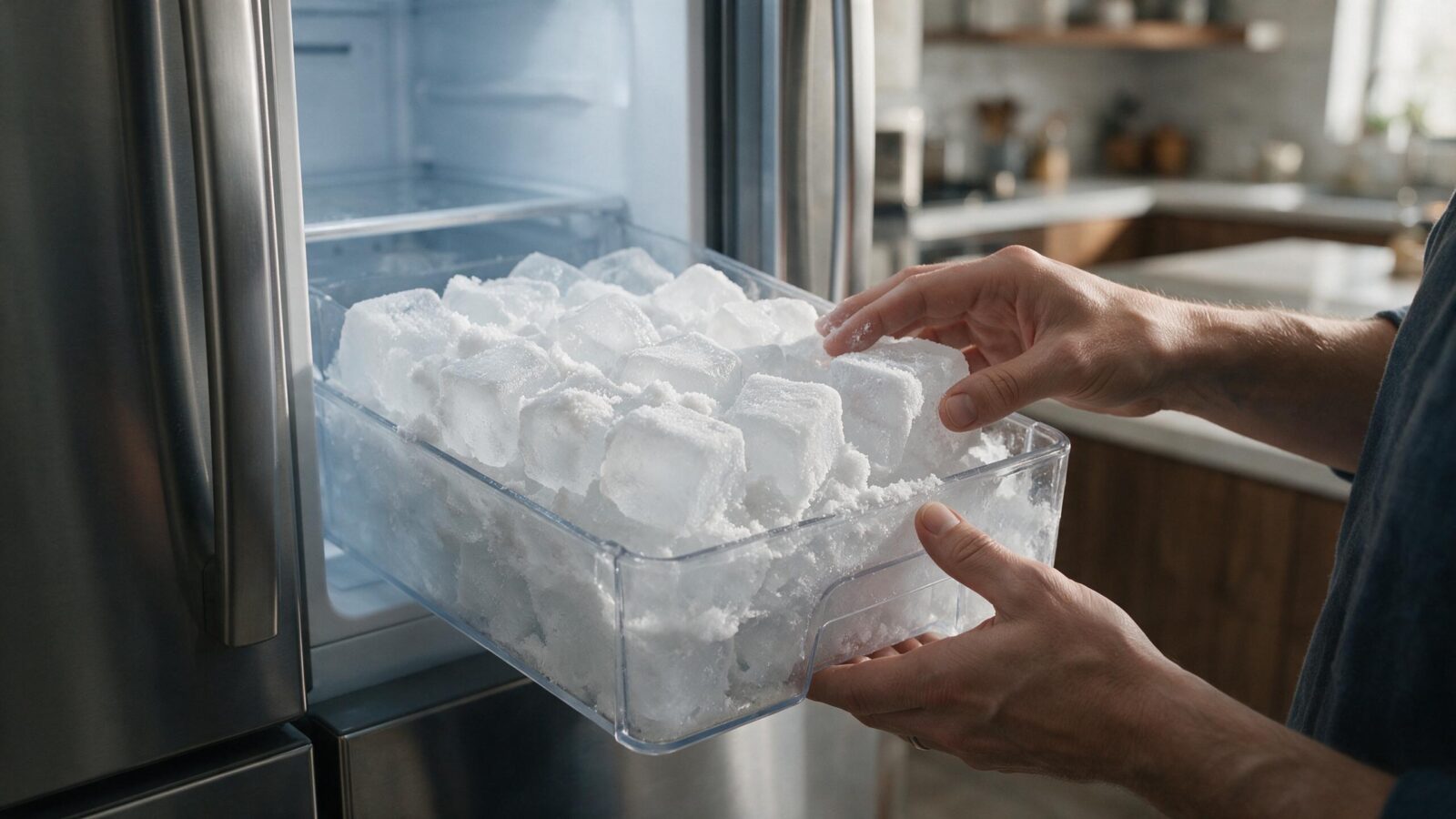
Recurring ice inside a DCS refrigerator or freezer often points to moisture entering the cabinet, restricted airflow, drainage issues, or a defrost-related problem.
Frost that keeps coming back is usually moisture getting in or not draining away: a door that is not sealing, items holding it open, or a drain path that is not clearing. Note where the ice forms before removing it, and book diagnosis if it returns.
Some light frost right after the door has been opened a lot is nothing unusual. Heavy ice that keeps reforming is another matter, since it can block airflow, jam drawers and fans, and leave temperatures uneven across the cabinet.
As long as the DCS refrigerator is still running, don’t jump to ordering a replacement part. Work through the checks that are safe for an owner first, and let any leftover symptoms show whether a technician needs to test it.
A door that is not sealing tightly.
Frequent or prolonged door openings in humid conditions.
Food or packaging preventing the door from closing fully.
A blocked or restricted defrost-drain path on applicable models.
A defrost heater, sensor, or control problem.
Poor air circulation that lets moisture freeze in a single spot.
| Symptom | What it can point to | What you can check |
|---|---|---|
| Frost along the door edge | Warm air entering past the seal | Check the gasket and look for items holding the door open |
| Ice around a vent or air channel | Restricted circulation | Clear space around visible vents and note the pattern |
| Ice on the compartment floor | A drain path that is not clearing | Note it and arrange diagnosis |
| A heavy sheet that keeps returning | A defrost heater, sensor or control issue | Stop chipping and book service |
Find where the ice builds up first, then wash the visible gasket with a mild detergent and let it dry completely.
Clean the visible gasket with mild detergent and dry it thoroughly.
Check for containers or shelves that keep the door slightly open.
Take note of where exactly the ice sits, whether on the rear wall, beneath a drawer, near a vent, or along the door.
Once the refrigerator is safely switched off, mop up any moisture you can reach. Leave a sharp tool out of it, because chipping at ice can do damage.
Reduce unnecessary door openings and monitor whether the frost pattern changes.
Leave energized panels in place, keep safety switches working, and stay away from gas components. If the appliance leaks, overheats, trips a breaker over and over, or smells of gas for any length of time, stop using it.
Ice along the door edge suggests warm air slipping past the seal. Ice gathered at an air channel hints at circulation that is restricted. Water frozen on the floor of the compartment can mean the drain path is not clearing as it should. Take a photo of the pattern before you remove whatever ice you can reach, since it gives the technician a lead on the source.
No. Clearing frost removes the result but leaves the moisture source, so ice that returns in the same spot points to the cause.
Frost forms when moist air meets a very cold surface and freezes. Chipping or melting it removes the result but leaves the moisture source in place. If you clear it and it returns in the same spot, that location is the best clue you have.
On refrigerators that defrost automatically, melted frost leaves through a drain path. A blocked path can send water back to freeze where it collects, which is why floor ice differs from door-edge frost. If a defrost heater or sensor is not doing its part, ice builds over repeated cycles rather than at once.
Try one planned restart when the electronic control looks locked up or the trouble began after a quick power blip. Use the disconnect, power button, or breaker only in the way the owner’s guide allows.
A restart will not cure a lasting mechanical, gas, water, heating, cooling, sensor, wiring, or control fault. If the same problem shows up again after the unit is back to normal, more power cycling mostly pushes diagnosis further off.
Book a service visit when thick ice returns, ice starts touching a fan, drawers no longer slide freely, or temperatures swing around.
At home, stick to the checks meant for owners: cleaning, adjusting settings, how the cabinet is loaded, clearance for airflow, and anything else you can see. Testing electrical circuits, gas-pressure work, sealed-system repair, and running mechanical repairs call for proper training and equipment.
Do not chip ice with a sharp object, since you could damage parts behind or under the ice. Wiping up water after the appliance is safely off, and keeping the door closed as much as possible, limits the damage until diagnosis.
If the ice reaches a fan, stops a drawer from moving or affects food temperature, stop troubleshooting at home and book service.
If the simple checks leave the symptom unchanged, a technician can run the refrigerator’s parts under real operating conditions and test them, so nothing gets replaced on a guess. Have the full DCS model number and serial number on hand when you call, along with any code or light pattern the unit shows and a quick description of when the ice appears. Those details tell the technician which product generation and which diagnostic steps apply.
An intermittent problem is the strongest case for a professional diagnosis. Model-specific service data, readings from individual components, and stored diagnostic history give a technician information that looking at the cabinet never could.
DCS Error Codes
DCS Refrigerator Repair
DCS Appliance Repair
DCS Model Number Guide
Related symptom and maintenance articles for this appliance family
Removing the ice treats the result, not the reason moisture is freezing there. A sealing, airflow, drainage, defrost, sensor, or control problem can cause the buildup to return.
Yes. A gasket that does not seal flat allows humid room air into the cabinet, where moisture can condense and freeze.
Usually not immediately, but it should not be ignored if it affects fan movement, door closure, food temperature, or causes water to leak.
Share a few details and we’ll confirm an appointment. Prefer to talk? Call us and we’ll help right away.
Fields marked with * are required.