

Specialized DCS Appliance Repair in Los Angeles and Orange County
If your DCS refrigerator is running but not getting cold enough, start with airflow, door sealing, settings, and recent operating conditions before assuming a major refrigeration problem.
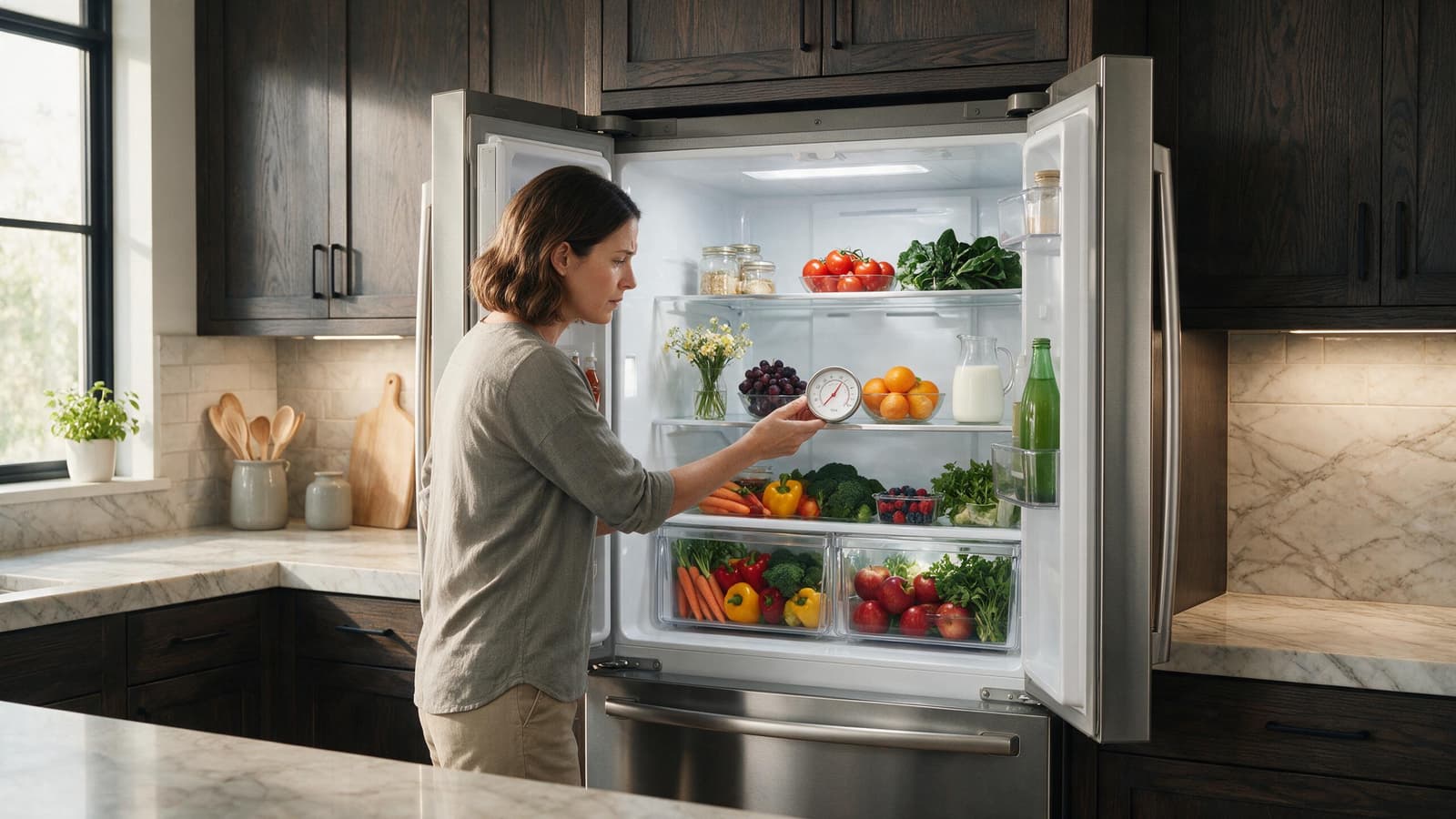
A refrigerator that is not cooling most often needs its basics confirmed first: setting, door closure, vents and recovery time after loading. Work out whether the whole unit is warm or only one section, then protect food and book service if temperatures keep rising.
When a DCS refrigerator stops cooling, the cause might be as modest as a blocked airflow path or a tired door seal, or as involved as a fan, a sensor, the control board or the sealed system. Begin by working out whether the whole cabinet has warmed up or just a single compartment.
While the unit still runs, resist the urge to order a part. Go through the conditions you can safely confirm yourself, and let what is left over tell you whether the fault looks like something that needs a technician’s test equipment.
Interior air vents that are blocked, or a compartment packed so tightly that cold air cannot move through it.
A door that sits slightly open, which lets in warm, moist room air.
Condenser airflow that is dusty or restricted, on models where the ventilation area is meant for the owner to reach.
A fan in the refrigerator or freezer section that is no longer circulating air as it should.
A faulty temperature sensor, or a problem on the electronic control.
A compressor or sealed-system fault, suspected when the unit keeps running yet temperatures climb.
| Symptom | What it can point to | What you can check |
|---|---|---|
| Whole unit warm, runs constantly | Airflow, condenser or system-wide control issue | Check the setting and clear accessible ventilation |
| Only one section warm | Fan, damper or compartment sensor | Clear vents and check the door seal |
| Warm after groceries or party | Large warm load and long openings | Give it time to recover and limit door openings |
| Compressor clicks without starting | Starting or sealed-system issue | Move food and arrange service |
First make sure nobody changed the temperature setting, and allow the unit to recover after a big load of groceries.
Make sure no one nudged the temperature setting by accident, and let the unit catch up if a big grocery haul went in recently.
See whether any package is propping a door open or sitting in front of the vents you can see inside.
Look over the door gasket where you can see it for crumbs, folds, or stretches that do not lie flat against the cabinet.
With the doors shut for a few minutes, listen for the ordinary sound of the fan and compressor running.
Should the controls behave strangely, try a single power restart, then watch whether normal cooling comes back.
Leave live panels in place, never defeat a safety switch, and keep away from gas components. Stop using the unit altogether if it leaks, overheats, keeps tripping a breaker, or gives off a lingering gas smell.
When the fresh-food side and the freezer are both getting warmer, suspect power, the compressor, condenser airflow, or a control fault that affects the whole system. If one compartment holds its temperature while the other drifts upward, look at airflow, dampers, fans, or the sensor serving that compartment.
A refrigerator with a lot of warm food needs time to bring temperatures down, and opening the door repeatedly slows that. A unit that is slightly warm just after a big grocery trip is not the same as one that is warming with nothing changed.
Hearing the compressor and fan tells you the unit has power and is trying to cool. It does not tell you the cold air is being produced or distributed correctly, which is why airflow, sensors and sealed-system faults can all look alike from the outside.
One deliberate restart makes sense when the electronic control seems stuck or the trouble began right after a short power cut. Use the unit’s normal power button, disconnect, or breaker, and only in the way the user guide permits.
Resetting the power does not mend a fault that keeps coming back, whether it sits in the mechanics, the gas side, water, heating, cooling circuit, sensors, wiring or electronics. When the same symptom returns after normal running resumes, repeated power cycling mainly delays finding the real cause.
Once food temperatures start climbing, the compressor clicks and never starts, a breaker trips, or the refrigerator has not recovered after several hours, transfer perishables to safe cold storage and set up a service visit.
Keep your own checks to what an owner is meant to handle: cleaning, settings, how the cabinet is loaded, ventilation, hoses and cookware you can see, and any check the guide specifically addresses to users. Electrical testing inside the unit, gas-pressure work, sealed-system repair and powered mechanical work call for proper training and tools.
If food temperatures are rising, move perishables to safe cold storage before anything else. Keep the doors closed as much as possible, and avoid repeated power cycling since it can delay finding the cause.
A breaker that trips, a compressor that clicks without starting, or no recovery over several hours are signs that the problem is beyond owner checks.
When the basic checks leave the symptom unchanged, a technician can test the relevant components while the refrigerator is running, rather than swapping parts on a hunch. At booking, have the complete DCS model number and serial number ready, plus any code or light pattern shown and a brief account of when the fault appears. These details point to the right product generation and the right diagnostic path.
An intermittent symptom is where professional diagnosis pays off most. Model-specific service data, measurements taken at the components, and stored diagnostic information give a technician things that looking at the cabinet from the outside never reveals.
DCS Error Codes
DCS Refrigerator Repair
DCS Appliance Repair
DCS Model Number Guide
Related symptom and maintenance articles for this appliance family
Running does not guarantee that cold air is being produced or distributed correctly. Restricted airflow, a fan issue, sensor input, control electronics, or the sealed refrigeration system can all produce this symptom.
One controlled restart may clear a temporary electronic interruption. If temperatures do not begin recovering or the problem returns, repeated resets are not a repair.
If the refrigerator is clearly warming, protect food first. Do not wait for a complete loss of cooling before arranging diagnosis.
Share a few details and we’ll confirm an appointment. Prefer to talk? Call us and we’ll help right away.
Fields marked with * are required.